Audit log
Open Audit Log to review who changed desired state or started an operational task. The page is read-only and is intended for investigation and change review.
Interface overview
This interface capture uses synthetic test data for visual orientation.
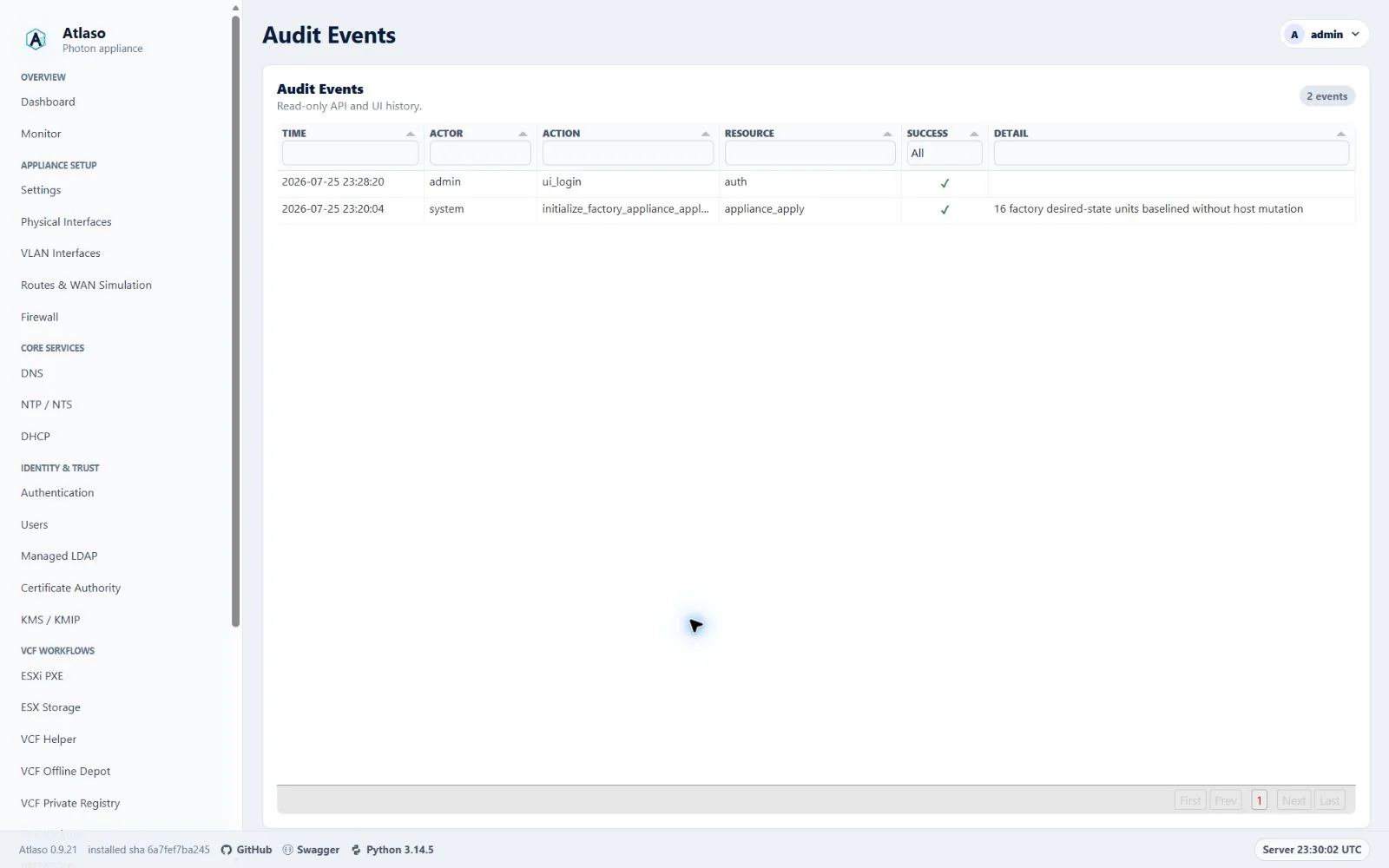
Figure: Audit Events history controls in the desktop layout with synthetic test data.
Review an event
The open grid refreshes automatically. From beginning, Previous page, and Next page access all retained events in adjacent groups of up to 500, including a shorter oldest group; the grid's own page controls navigate within that group. Column filters and sorting apply to the displayed group and remain selected when it refreshes. Follow live advances to the newest group. With Time sorted descending, the newest rows appear on the first local page; ascending uses the last local page. Reading an earlier grid page or selecting text holds the displayed rows and reports newly available output.
- Filter the grid by actor, action, resource, or time.
- Open the relevant event and compare its timestamp with related entries on Tasks.
- Confirm that the actor and affected resource match the intended change.
Audit entries describe the action and sanitized result. They must not expose passwords, private keys, authenticated URLs, or other secret-bearing values.
IP addresses, MAC addresses, hostnames, and account names are not sensitive by themselves in Atlaso and may remain in an audit event when they identify the affected resource. Passwords, tokens, authenticated URLs, session material, private keys, password hashes, credential verifiers, and other secret-bearing data remain sensitive. Content-integrity hashes of non-secret material and one-way change-detection hashes of encrypted-at-rest ciphertext do not. An identifier must also be treated as sensitive when it is embedded in or paired with authentication or cryptographic material.
Verify and escalate
For an appliance apply or maintenance action, correlate the event with the task identifier and terminal task state. Use Operational logs for runtime diagnostics. Preserve the relevant timestamps and identifiers when escalating; do not copy credentials or raw secrets into an issue. The data classification does not make authenticated audit history public or override site handling policy.
The live view opens at the newest retained group. From beginning reads the oldest retained entries; Follow live returns directly to the newest group.
The initial audit table is a ready snapshot even when JavaScript is unavailable. HTML and JSON history responses disable caching and distinguish their representation header so live refreshes cannot receive cached HTML.
Additional verified states
These captures show responsive layouts and useful operational states referenced by this page.
Audit events
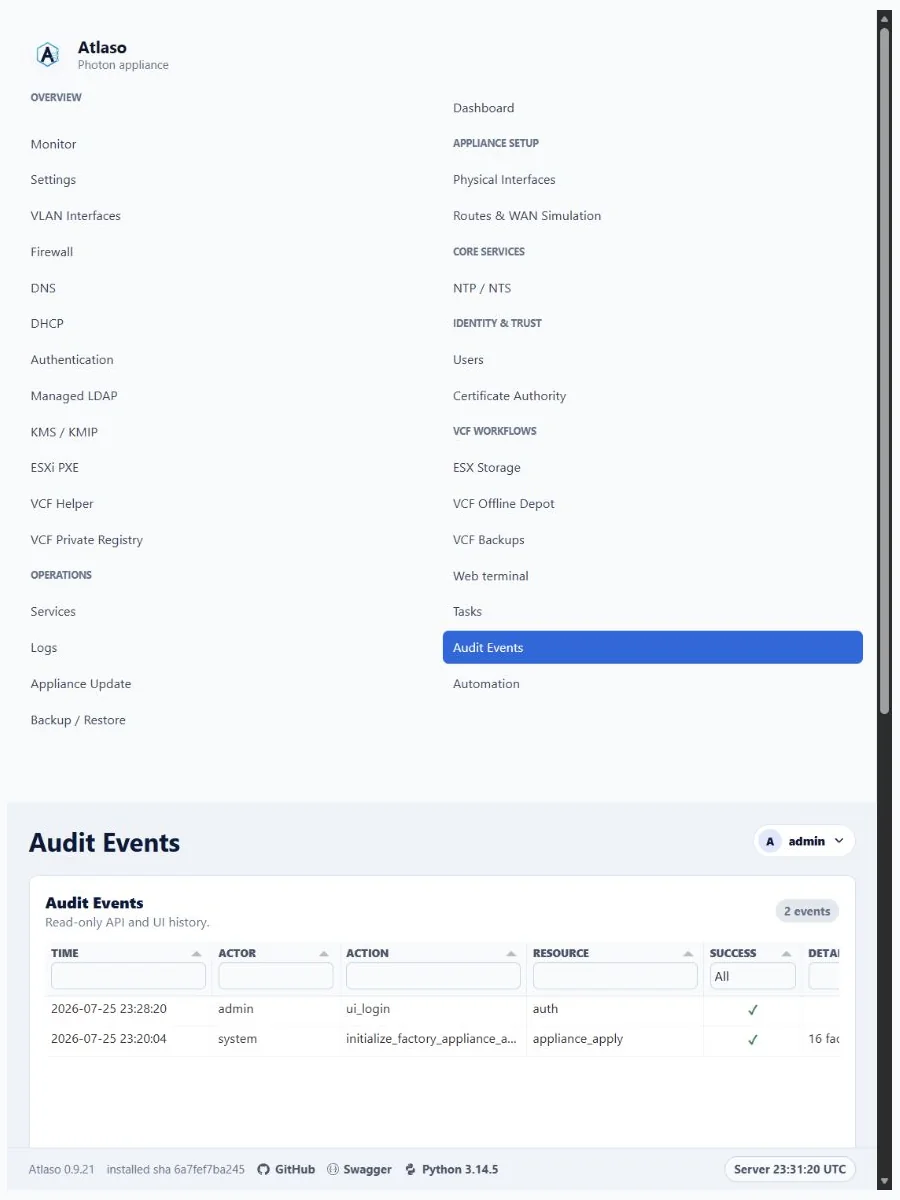
Figure: Audit Events history controls in the responsive layout with synthetic test data.