VCF Certificate Trust
VCF Certificate Trust deploys the active Atlaso root CA to one VCF 9 Installer or SDDC Manager appliance. Open it from
the VCF Certificate Trust button on /ui/management/vcf-helper. It is a remote maintenance task, not DNS desired
state and not an
Appliance Apply unit.
Interface overview
This verified appliance view provides visual orientation before you begin.
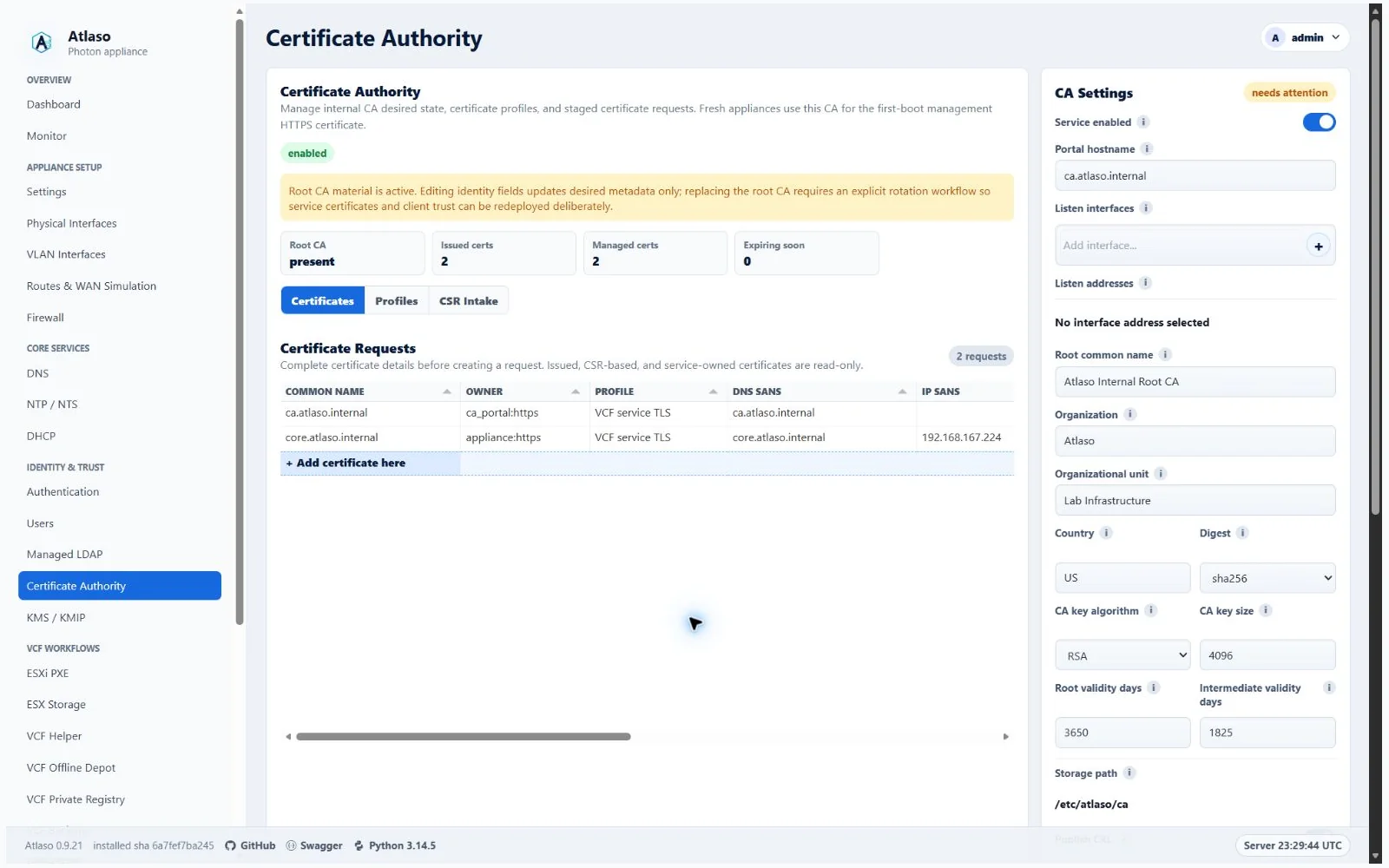
Figure: Certificate Authority in the verified clean-appliance desktop state.
The wizard collects only:
- target VCF API endpoint, as
host,host:port, orhttps://host:port; - a saved vault credential or one-time VCF API administrator credentials;
- target HTTPS TLS fingerprint confirmation.
The wizard probes the target and presents the observed SHA-256 fingerprint on a dedicated pre-authentication page. Atlaso does not resolve a selected vault password or use manual API credentials until the operator confirms that fingerprint out of band. Selecting a vault locks the server address and skips the manual-login page.
Atlaso never persists the API password. It stores only sanitized target, port, role/version, confirmed TLS fingerprint, deployed CA fingerprint, and task result metadata.
The task authenticates through POST /v1/tokens, detects the appliance using GET /v1/system/appliance-info, checks
GET /v1/sddc-manager/trusted-certificates, and imports missing outbound trust through
POST /v1/sddc-manager/trusted-certificates. An identical certificate is a successful no-op.
VCF Installer and SDDC Manager both use the same API-only flow. Atlaso does not SSH to the appliance and does not restart SDDC Manager services. API verification means the certificate is present in the VCF trusted-certificate API after import. VCF releases before 9.x and certificate deletion are outside this release.
Canonical routes:
GET /ui/management/vcf-helper?vcf_trust=1opens the modal.POST /ui/management/vcf-helper/trust-root-ca/inspect-targetconfirms target HTTPS TLS, validates API credentials, and returns role/version.POST /ui/management/vcf-trust/root-caqueues the task and redirects to/ui/management/tasks?job_id=<id>.
Temporary compatibility routes for cached clients and retired bookmarks:
GET /vcf-trustredirects to the canonical modal route.POST /vcf-trust/root-cabridges internally to/ui/management/vcf-trust/root-ca.POST /vcf-helper/trust-root-cabridges internally to/ui/management/vcf-trust/root-ca.
Additional verified states
These captures show responsive layouts and useful operational states referenced by this page.
Certificate Authority
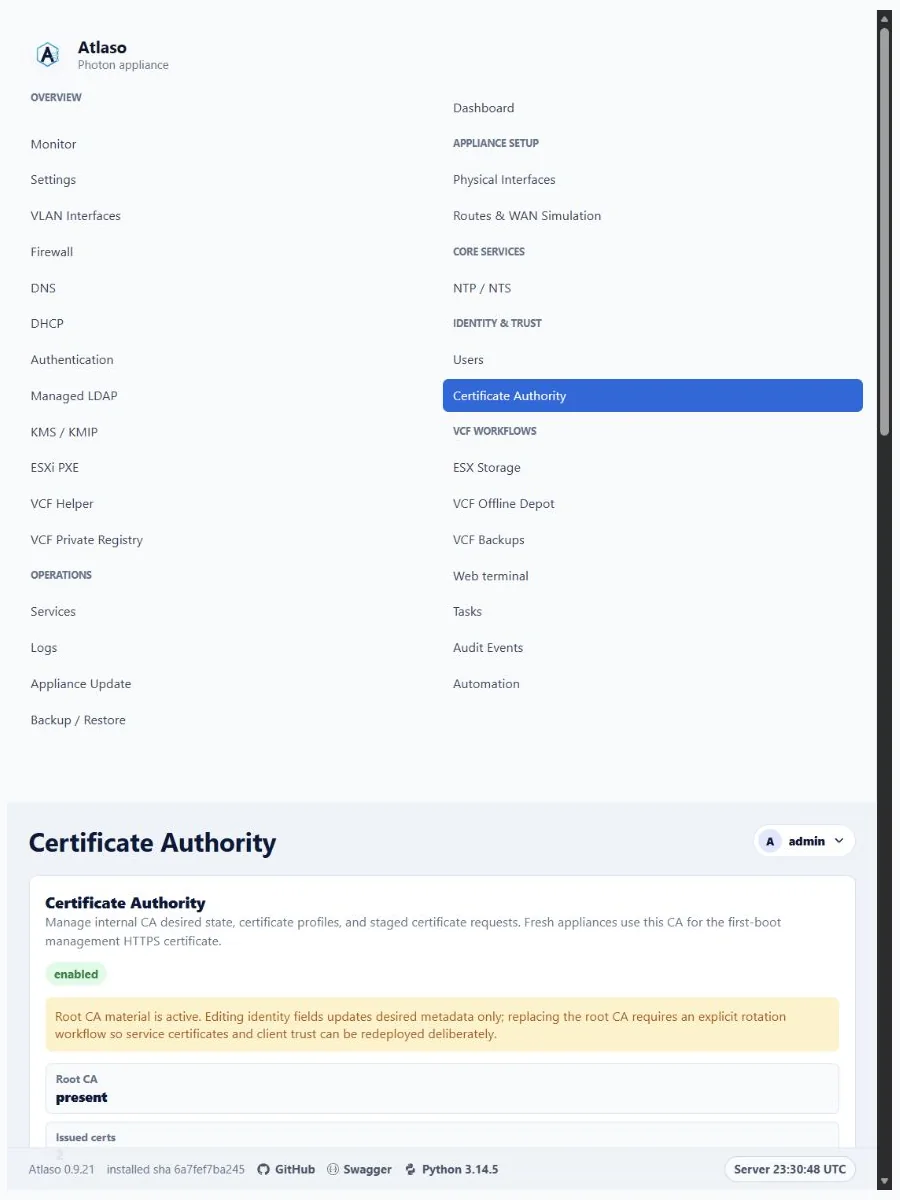
Figure: Certificate Authority in the verified clean-appliance responsive state.
Certificate requests
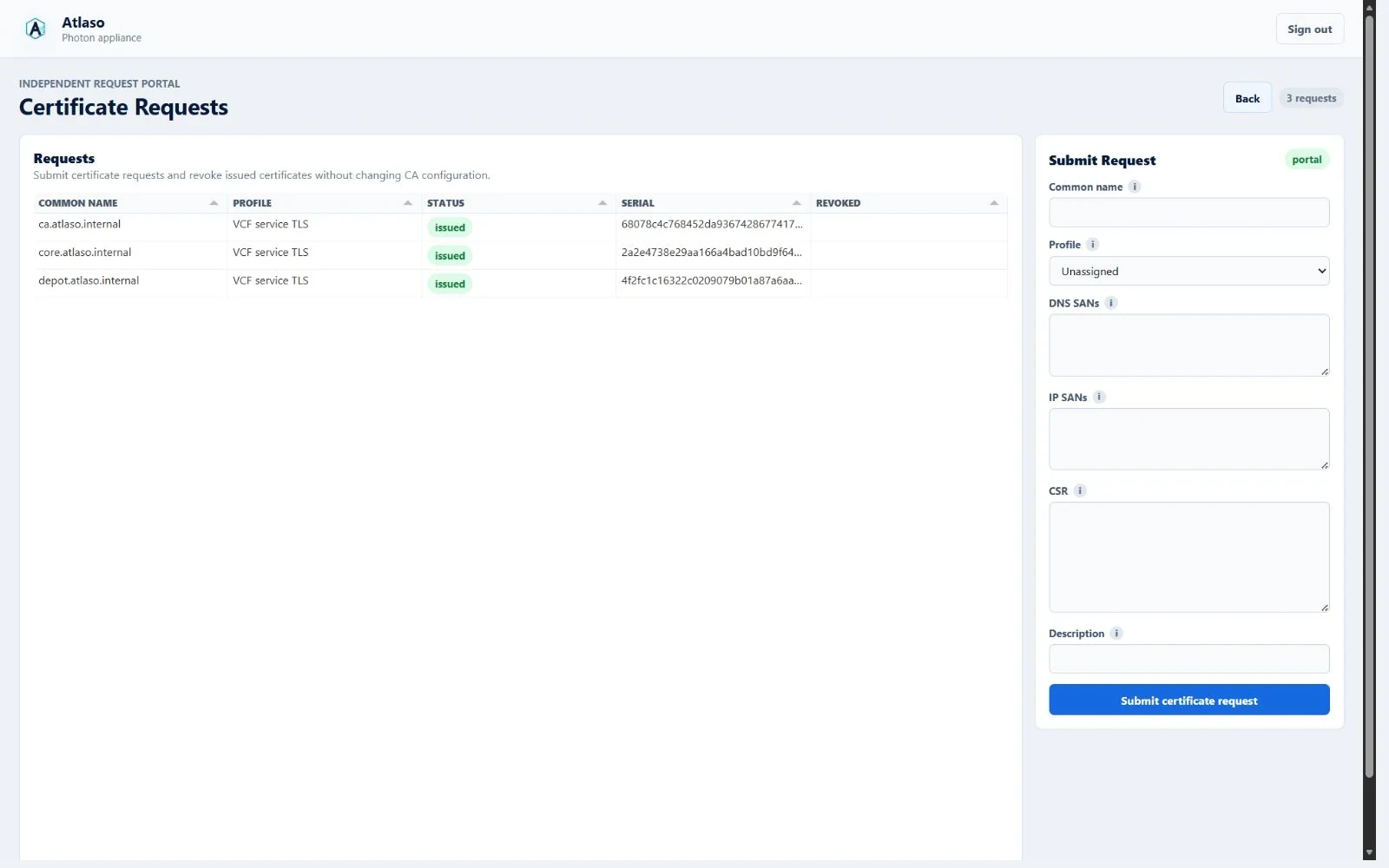
Figure: Certificate requests in the verified clean-appliance desktop state.
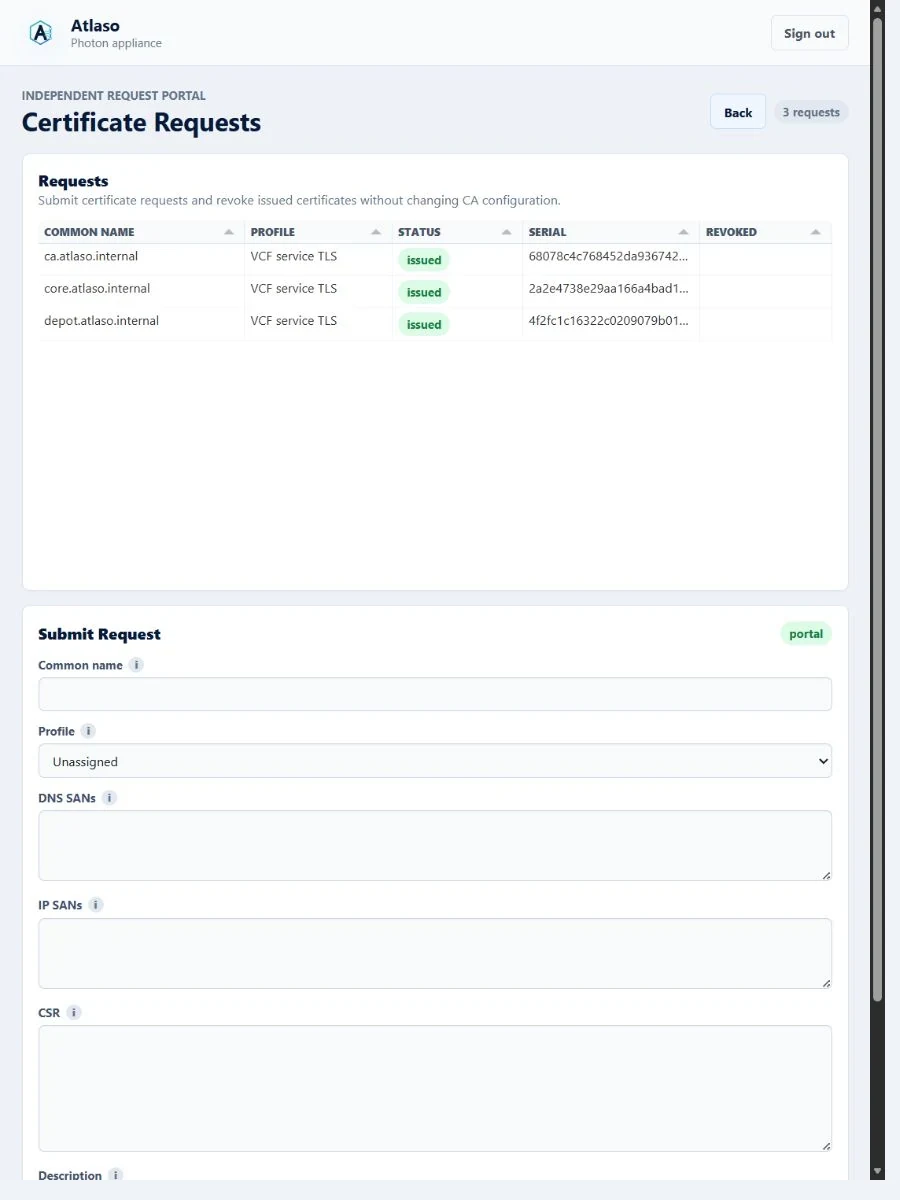
Figure: Certificate requests in the verified clean-appliance responsive state.
Public certificate portal
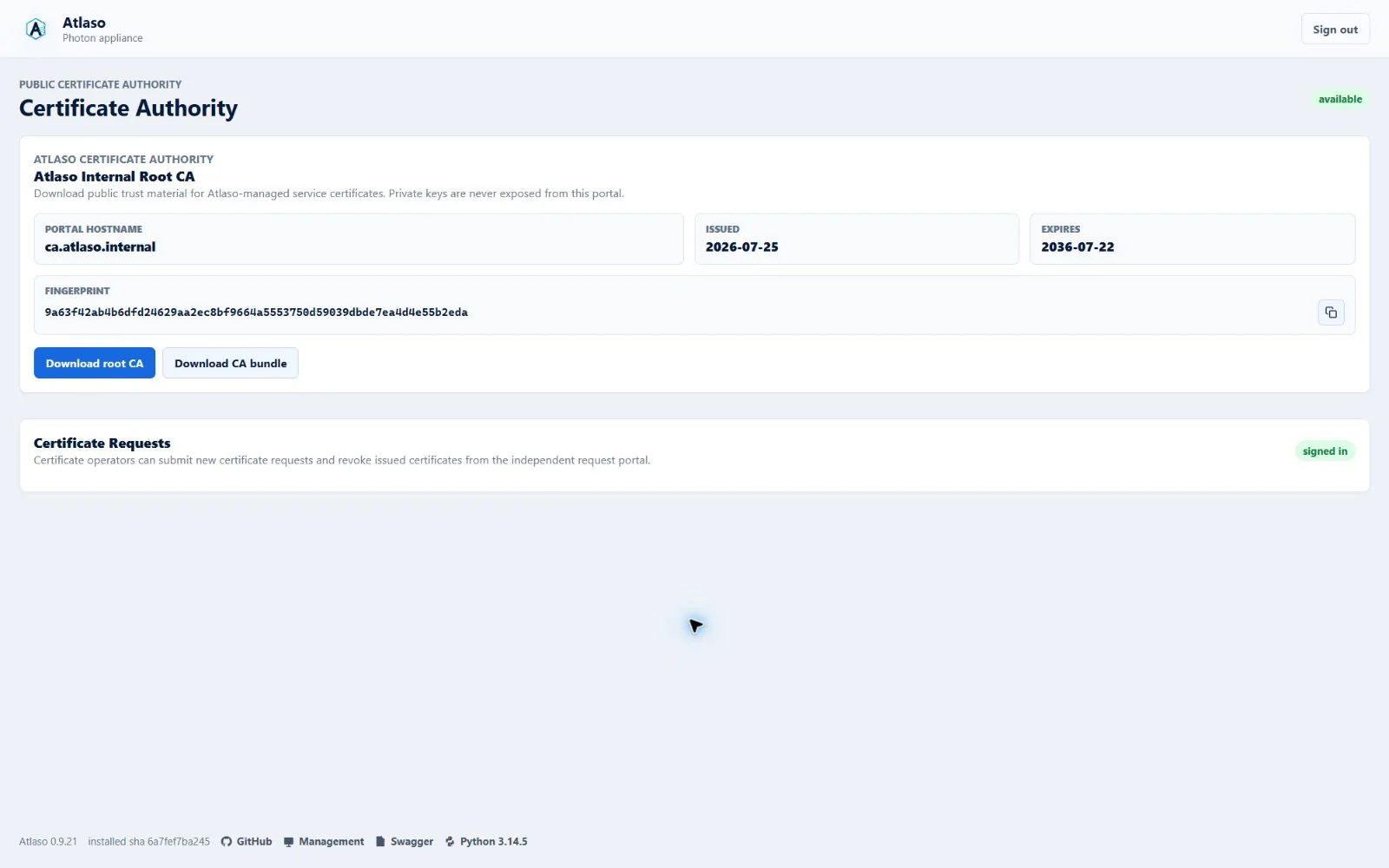
Figure: Public certificate portal in the verified clean-appliance desktop state.
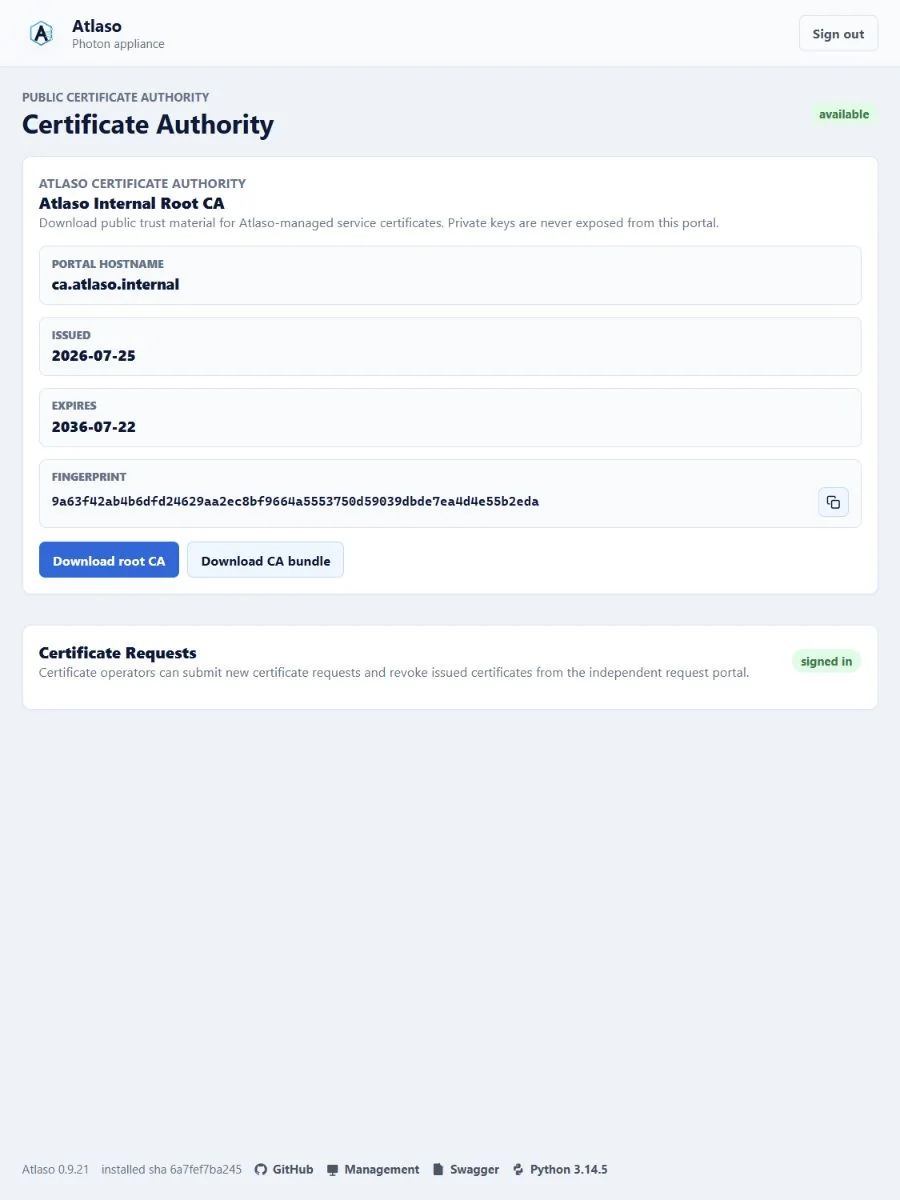
Figure: Public certificate portal in the verified clean-appliance responsive state.