Certificate Authority
Use Certificate Authority to manage appliance CA desired state, Certificate Requests to review enrollment work, and the public certificate portal to provide approved unauthenticated CA and request workflows.
Interface overview
This verified appliance view provides visual orientation before you begin.
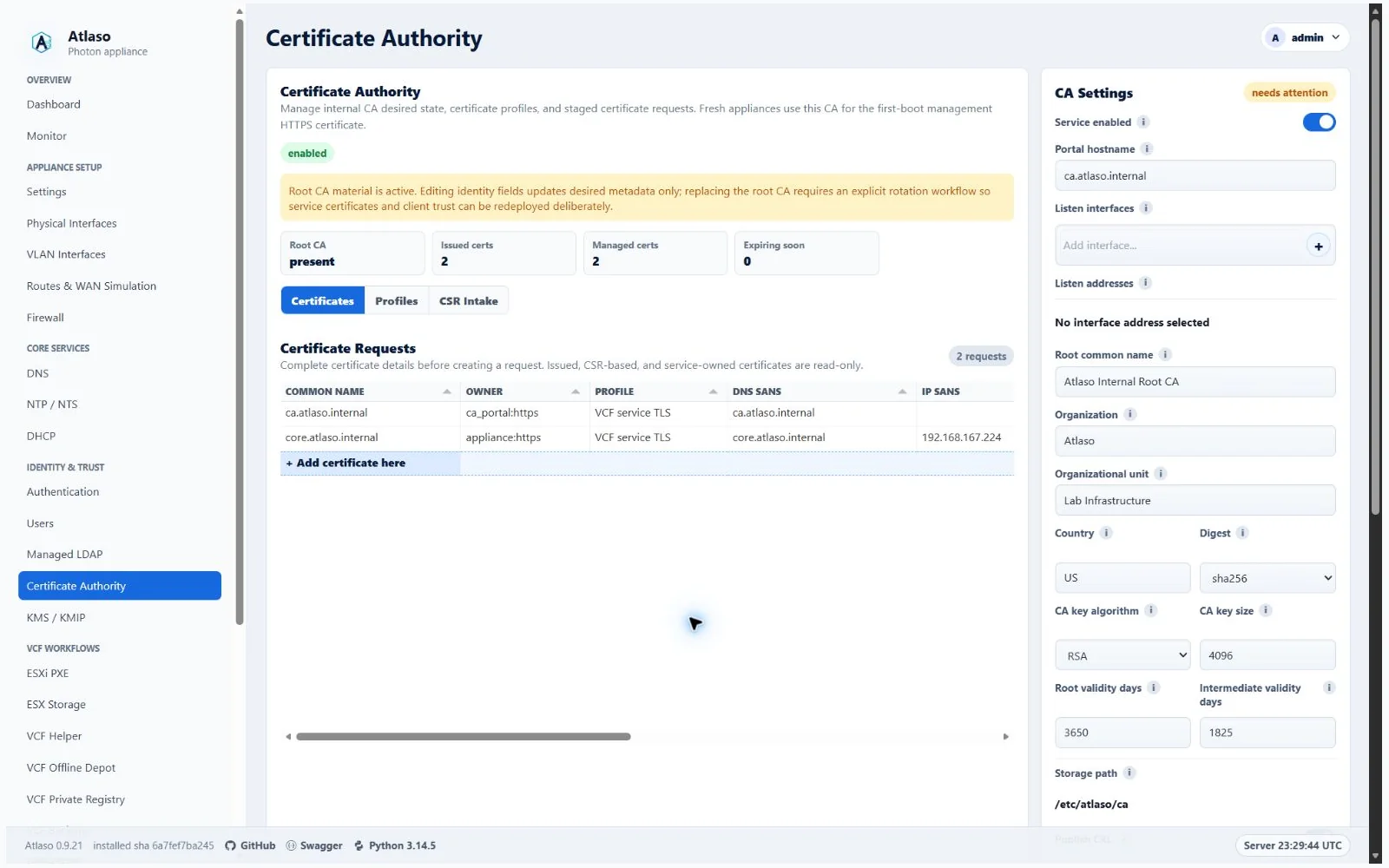
Figure: Certificate Authority in the verified clean-appliance desktop state.
Manage the authority
The Certificates grid adapts to the available desktop height. Switching to CSR Intake or another tab preserves the collection; returning to Certificates recalculates its height without resetting filters or sorting. Narrow layouts use the compact grid height.
- Confirm the appliance FQDN and management HTTPS settings are correct.
- Review root and leaf validity, subject, and key settings.
- Leave Listen interfaces empty when the CA is needed only for appliance trust and managed service certificates. Select one or more interfaces only when the public CA portal should be published on those networks.
- Resolve validation errors and inspect the rendered certificate preview.
- Submit the Certificate Authority unit through Appliance Apply.
Atlaso encrypts CA root and leaf private keys with the appliance secrets key. Preserve that key with recovery material, and never expose private keys in documentation, screenshots, tasks, or logs.
An enabled CA with no listen interface still writes its root bundle and managed service certificates through global appliance apply. It does not add the CA portal to access-interface DNS, firewall, or public-service configuration.
Enabled HTTPS reverse proxies consume CA-managed certificates for their configured hostnames and selected listener addresses. The proxy editor never exposes the generated private key. See the reverse-proxy guide for the coordinated publication and trust model.
Managed service certificates retain the complete hostname in their DNS Subject Alternative Name (SAN), including
valid appliance FQDNs longer than the certificate subject Common Name's 64-byte limit. For those names, Atlaso uses
Atlaso managed service as the subject Common Name. Hostname verification uses the complete DNS SAN; the appliance
FQDN and certificate record retain their original identity, while service paths use bounded filenames derived from it.
Shorter names keep their existing subject Common Name. This also applies during first-boot HTTPS bootstrap and
subsequent certificate renewal.
CA page and certificate-download reconciliation waits for management recovery before updating certificate material. After admission it refreshes cached CA rows, preserving the certificate recovery just published.
Certificate filenames use the sanitized identity when it fits within 245 ASCII bytes, leaving room for the longest
-chain.pem suffix under the filesystem's 255-byte filename limit. Longer names keep a readable prefix followed by
the full SHA-256 digest of the original identity. This bounds downloads and deployed service files without changing
the certificate common name or DNS/IP SANs.
On the first CA apply after upgrading, Atlaso reissues managed service certificates that lack Subject Key Identifier or Authority Key Identifier extensions. This replaces their leaf certificates and private keys while retaining the existing root CA. Global Apply includes already-applied listeners that consume rotated managed leaves, so they reload after CA deployment. If a consuming listener also has pending edits, select it in the same Apply review before submitting the CA unit. If a listener reload fails or Apply is interrupted, retry the CA unit; Atlaso keeps the previous CA apply baseline until all selected consumers reload, so the retry includes them again. Export or reload external service trust material that pins an individual leaf.
When Appliance Settings retains address-scoped management listeners during a certificate change, the replacement management certificate must contain an IP SAN for every retained non-loopback listener. Settings validation and the final nginx activation both reject a replacement that omits one of those addresses. Issue a covering certificate before rotating it, or use a management address already covered by the certificate.
Review requests
Use Certificate Requests to identify the requester, requested names, intended use, and current status before
approving or rejecting enrollment. Confirm that every requested name belongs to the intended lab boundary.
The management and public request lists use the same read-only collection pattern. Sort or inspect the rows normally;
when an issued certificate can be revoked, open its row menu and select Revoke certificate. The shared confirmation
states that revocation changes desired state and reaches appliance files only through the next global CA apply. The
server-rendered list and revoke forms remain available when browser scripting is unavailable.
Revocation takes the shared publication writer before reading the certificate and waits for any active management
recovery to finish. Automatic SAN or path reconciliation preserves a revoked managed certificate. A revoked management
leaf blocks console HTTPS recovery; recovery does not undo the revocation or publish its CRL.
The request wizard presents the common name, profile, multiline description, DNS SANs, and IP SANs on separate rows so
long names, operator notes, and multi-value SAN lists remain readable before review. Descriptions stay with request
identity, while enablement has a
dedicated step for both certificate profiles and requests. CSR Intake uses the same guided pattern to separate
metadata, SANs, PEM content, and final review.
On Names, enter optional IP SANs as IPv4 or IPv6 literals, one per line (comma-separated entries also work).
Atlaso checks every entry before advancing and again before submission. An invalid entry keeps the wizard open,
returns focus to IP SANs, and shows an adjacent message; correct or clear it to continue. Entered values are retained.
In its CSR step, paste the request or select Upload a CSR file to load a PEM-encoded .csr or .pem file up to
64 KiB, including surrounding whitespace. Inspect the populated CSR PEM field before review. Private keys,
certificate-only files, invalid text,
and oversized files are rejected; the existing pasted content remains available if a file cannot be loaded.
While a selected file is loading, the wizard blocks advancing or submitting so review uses the completed CSR text.
Before staging through management intake or either certificate request portal, Atlaso checks that the request is a
parseable PKCS#10 CSR with a valid signature. A failed check leaves desired state unchanged and returns a validation
error; correct the request and submit it again.
The request description supports multiple lines. On wide screens, the certificate grid fills the remaining viewport
space and retains horizontal scrolling for its columns; narrower or hidden panels use the compact fallback.
The public portal exposes only the approved public certificate surface. It must not disclose operator-only state or offer administrative actions.
The management authority is canonical at /ui/management/certificate-authority, with its authenticated request list at
/ui/management/ca/requests. The public trust and enrollment pages are /ui/public/ca and
/ui/public/ca/requests. Root CA, bundle, leaf certificate, chain, and private-key download contracts retain their
existing non-/ui paths. Eligible legacy GET/HEAD bookmarks redirect temporarily; public mutations are bridged
internally and retain their CSRF, role, request validation, and listener checks.
Verify and recover
For external appliance TLS, follow Appliance certificates with Atlaso. It covers SRM,
vCenter Machine SSL, CSR ownership, public root trust, certificate chains, verification, and recovery.
Export → Certificate downloads a public PEM leaf with a .pem filename. Older releases used .crt for the same
PEM encoding. Export → Certificate chain includes the leaf and issuer chain; download the root separately for a
CA-only import field.
After apply, verify the presented management certificate and download the expected public root certificate. Keep a VM snapshot or equivalent rollback point before replacing active trust. Use VCF Certificate Trust for the separate task that installs the active Atlaso root into a supported VCF appliance.
A revoked service-owned certificate can be replaced explicitly from Certificate Requests using the row menu's Replace revoked managed certificate action. The shared confirmation creates a pending managed successor; the original serial, certificate, key, revocation date and reason remain protected in history and in the CRL. Repeated replacement of the historical row is refused. Ordinary global CA Apply publishes the successor and CRL; this action does not alter appliance files or applied baselines. Both the management request page and authorized public request portal provide this action, with the same certificate-operator and CSRF checks as revocation. Replacement takes the shared writer before reading certificate or service/profile state and retains admission through its audit commit. Disabled services or CA profiles must be enabled before replacement.
Additional verified states
These captures show responsive layouts and useful operational states referenced by this page.
Certificate Authority
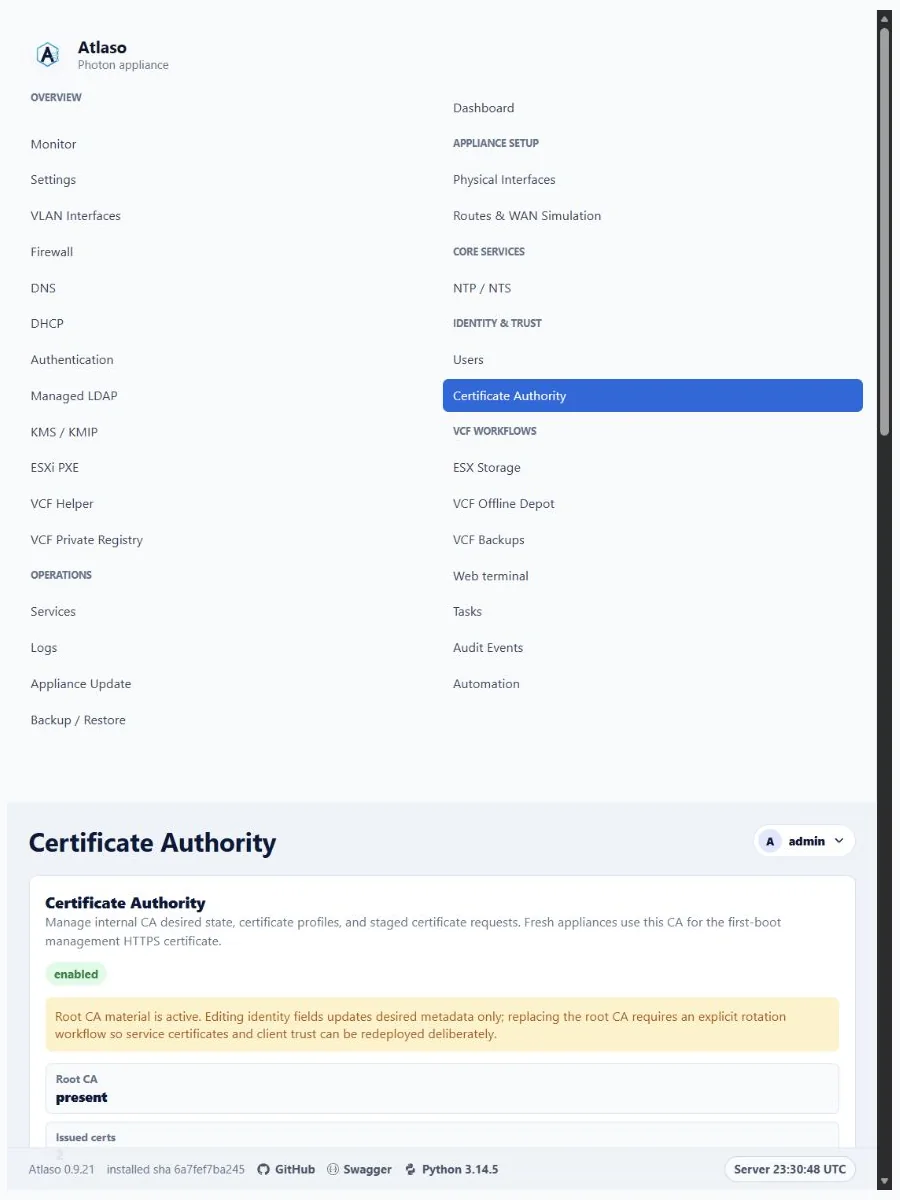
Figure: Certificate Authority in the verified clean-appliance responsive state.
Certificate requests
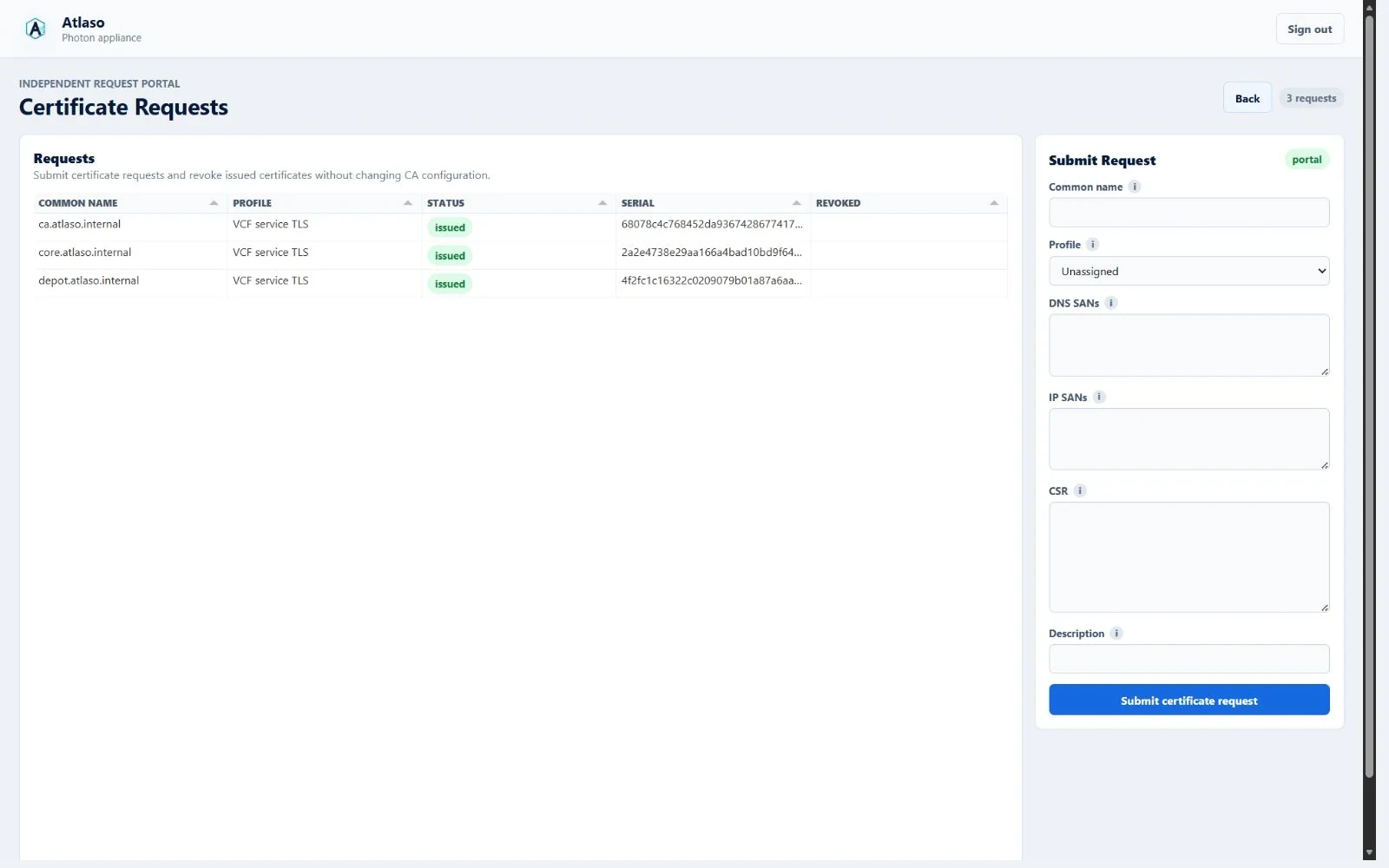
Figure: Public certificate requests rendered through the shared read-only grid in the desktop viewport.
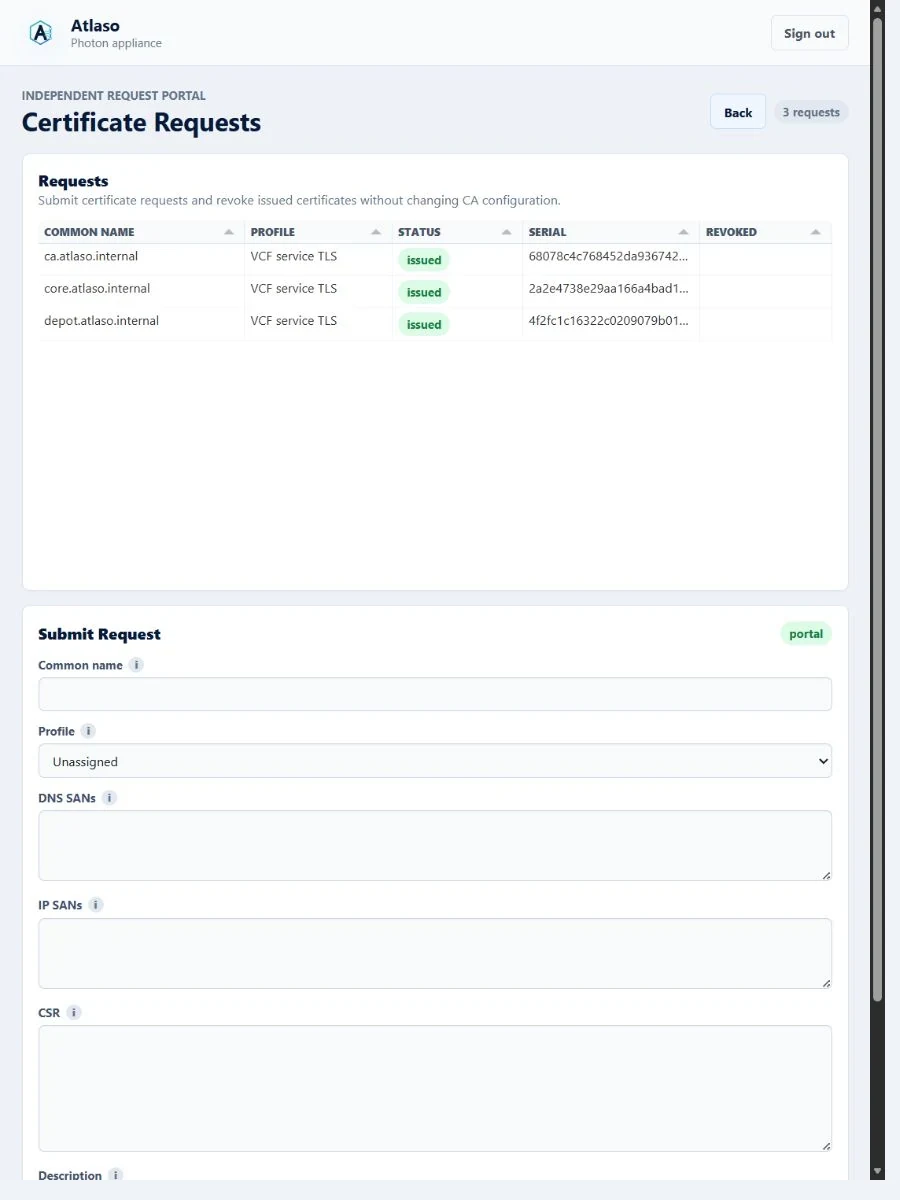
Figure: Public certificate requests remain contained in the narrow viewport.
Certificate requests (management)
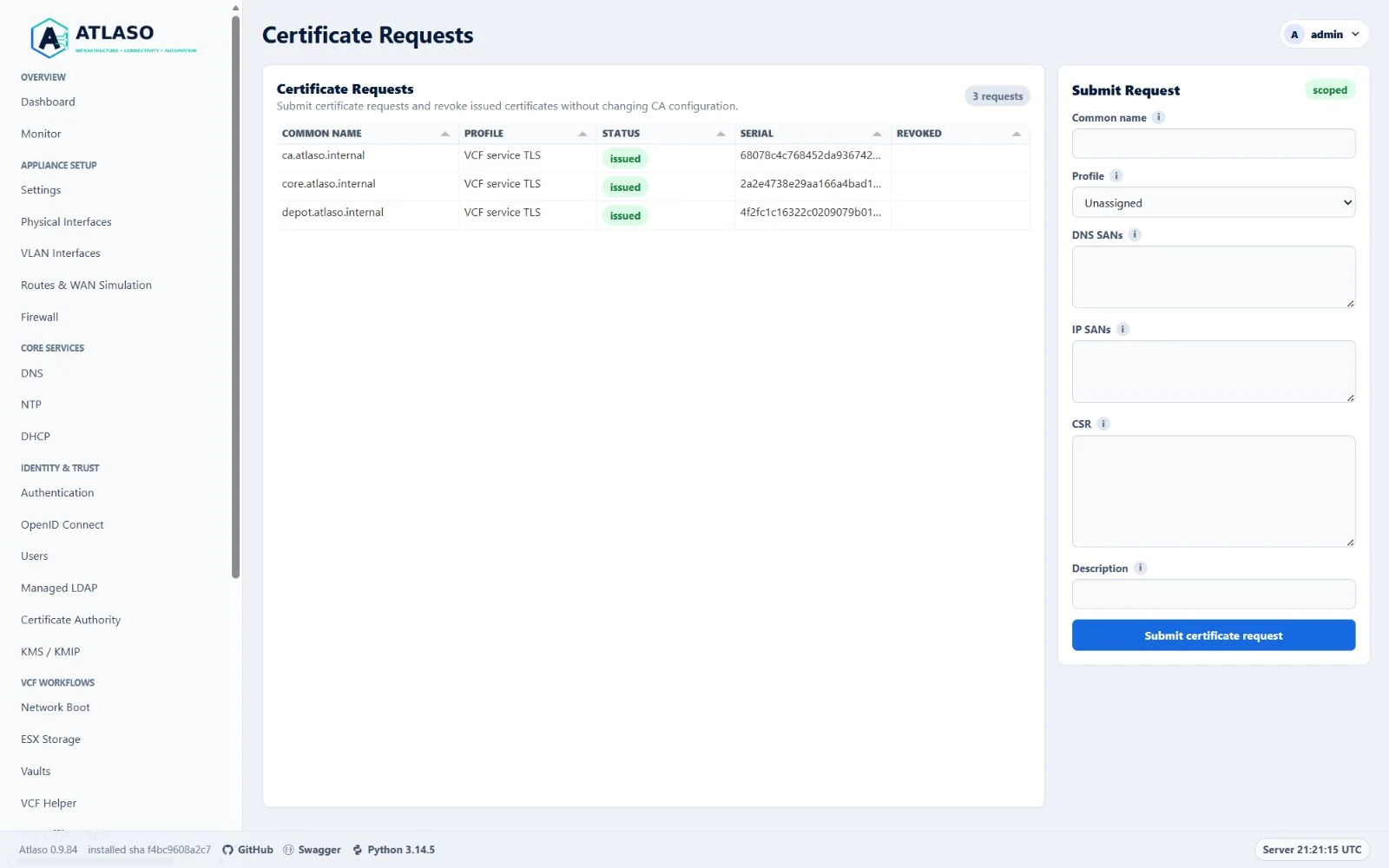
Figure: Management certificate requests rendered through the shared read-only grid in the desktop viewport.
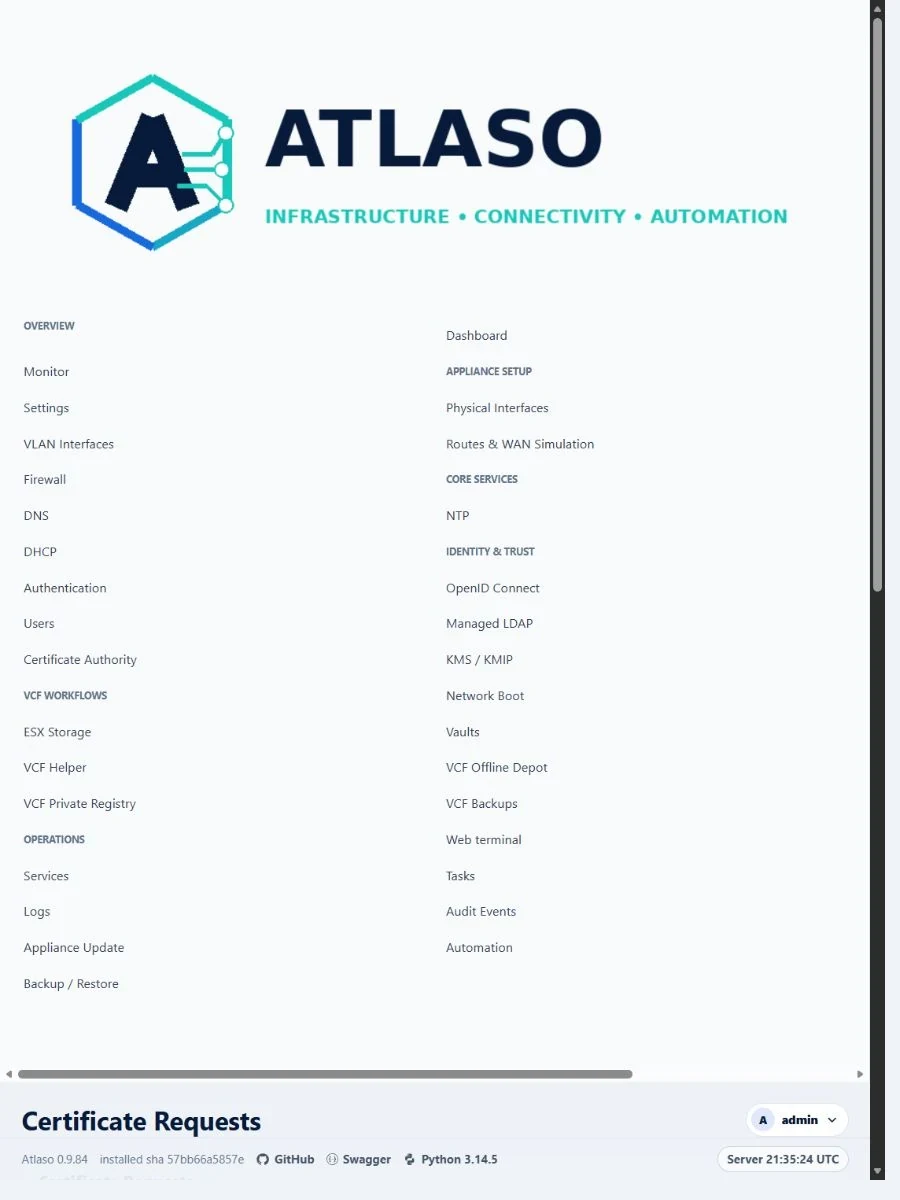
Figure: Management certificate requests remain contained in the narrow viewport.
Public certificate portal
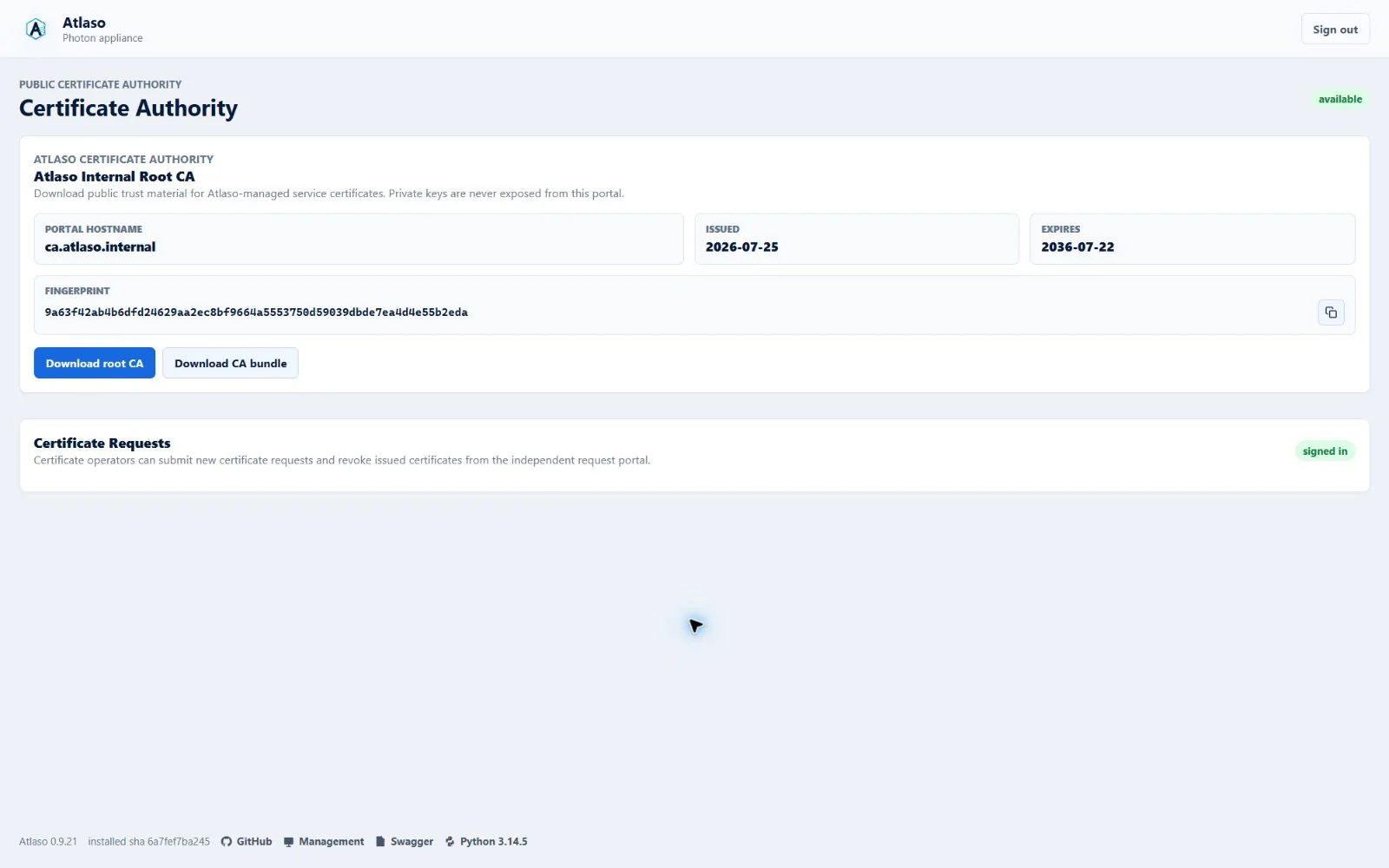
Figure: Public certificate portal in the verified clean-appliance desktop state.
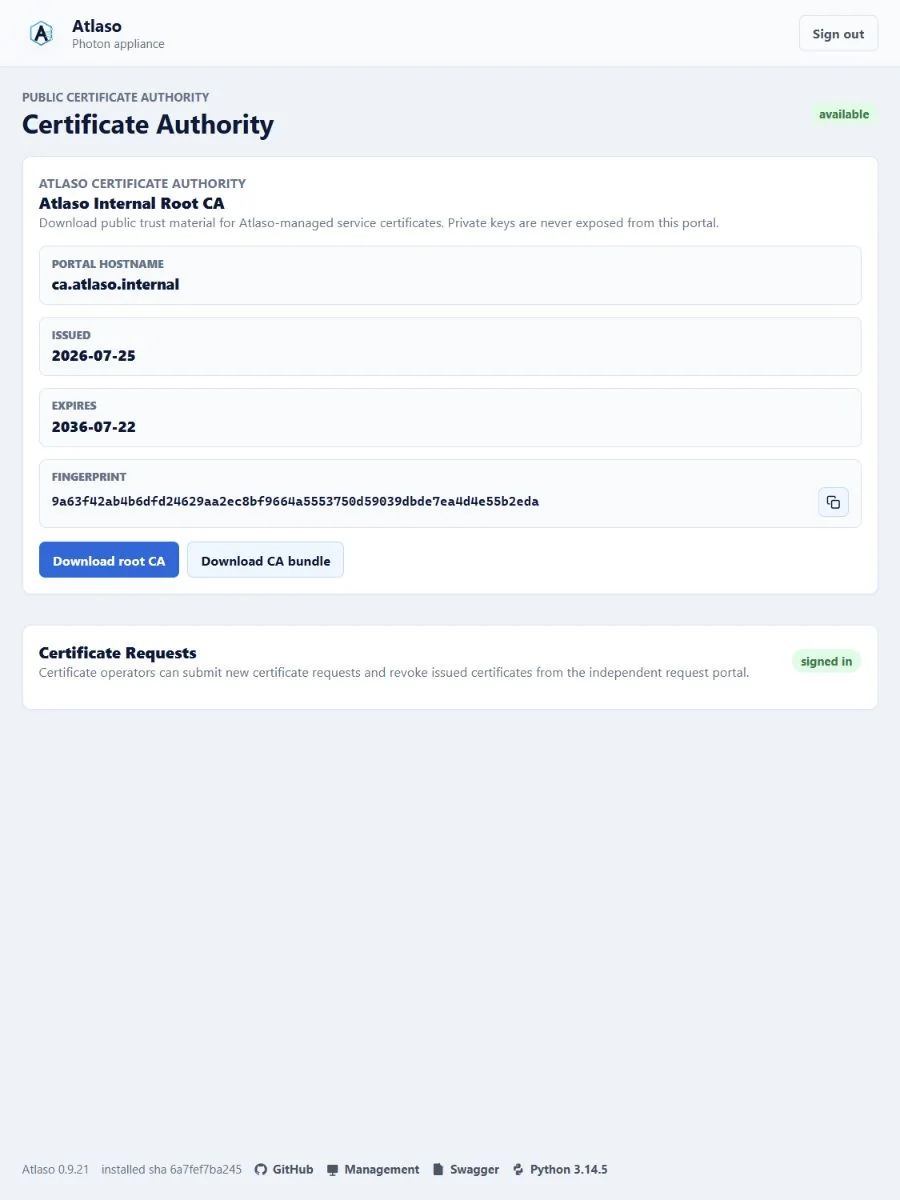
Figure: Public certificate portal in the verified clean-appliance responsive state.