Local users
Open Users to manage local Atlaso identities and role assignments. Local users authenticate to the operator UI and can also serve as explicitly selected identity sources where a service supports them.
Interface overview
This verified appliance view provides visual orientation before you begin.
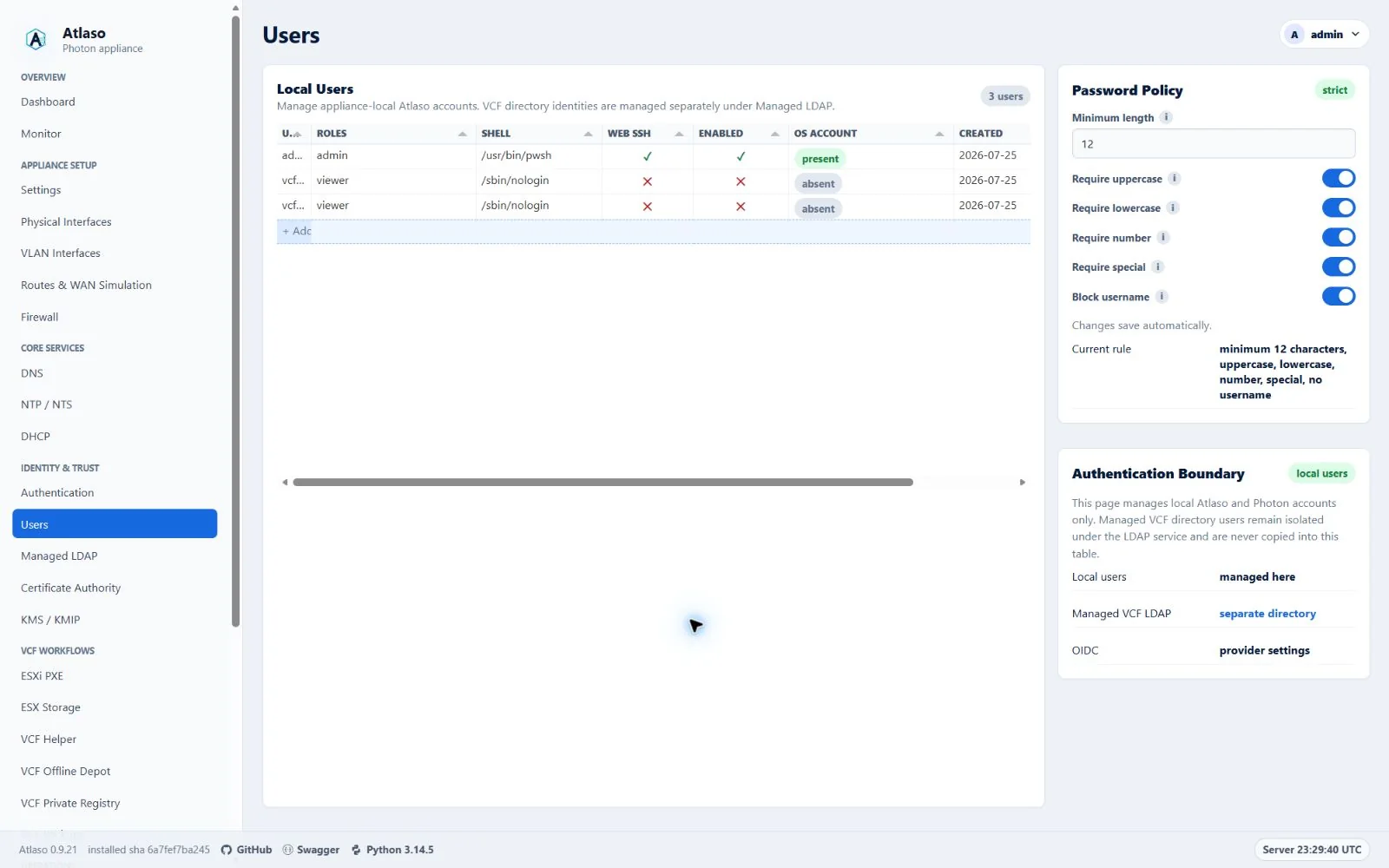
Figure: Users in the verified clean-appliance desktop state.
Manage an account
- Select Add user here, create a unique username, record the account purpose in the multiline description row, and choose the least-privileged suitable roles.
- Choose Photon shell and Web SSH access as separate decisions.
- Review and create the account. New accounts start disabled; the identity and access wizard does not collect credentials or change account availability.
- For a disabled account, open the row menu and choose Set Photon OS password and enable user. For an enabled account, choose Reset Photon OS password. Enter and confirm a policy-compliant password. The disabled-account action explicitly enables the account in desired state. Use the eye beside either password field to show only that field temporarily; reopening the workflow always masks both fields.
- Change an existing account's ordinary desired availability directly from the grid's Enabled column. Enabling requires a staged or previously applied Photon password; Atlaso restores the prior grid value and explains the requirement when the save is rejected.
- Use the shared confirmation dialog before permanent deletion.
Passwords are never displayed again or stored in audit details. Do not reuse the Photon build password or publish test credentials in screenshots.
Apply and status staging
A real Local Users apply writes its secret-bearing helper input with mode 0600 only for the validate-and-apply
execution window. Atlaso and atlaso-helper both remove that file after success, validation failure, or apply failure;
application startup also removes a stale input left by an interrupted process. Previews, baselines, task results, logs,
audits, and test output never receive the raw password.
If a password is staged while its user remains disabled, a successful Local Users apply keeps that in-memory pending password instead of treating it as applied. Enable the user and apply Local Users again to create the Photon account and consume the staged password. Public Services blocks VCF Offline Depot publication while its selected HTTP user is disabled, and appliance apply automatically includes changed Local Users state before that public listener.
When a successful Appliance Apply task includes Local Users, the open Users grid refreshes its Photon account and password-staging status in place. The refresh preserves the current page and grid context instead of requiring a manual browser reload.
Read-only Photon account status uses a different uniquely named, short-lived file containing no password values. It cannot replace an active apply payload and is removed as soon as the status request finishes.
Verify
Test the account in a separate private browser session and confirm that its permissions match the assigned role. Maintain at least one verified administrator before disabling or deleting another administrative account.
Additional verified states
These captures show responsive layouts and useful operational states referenced by this page.
Users
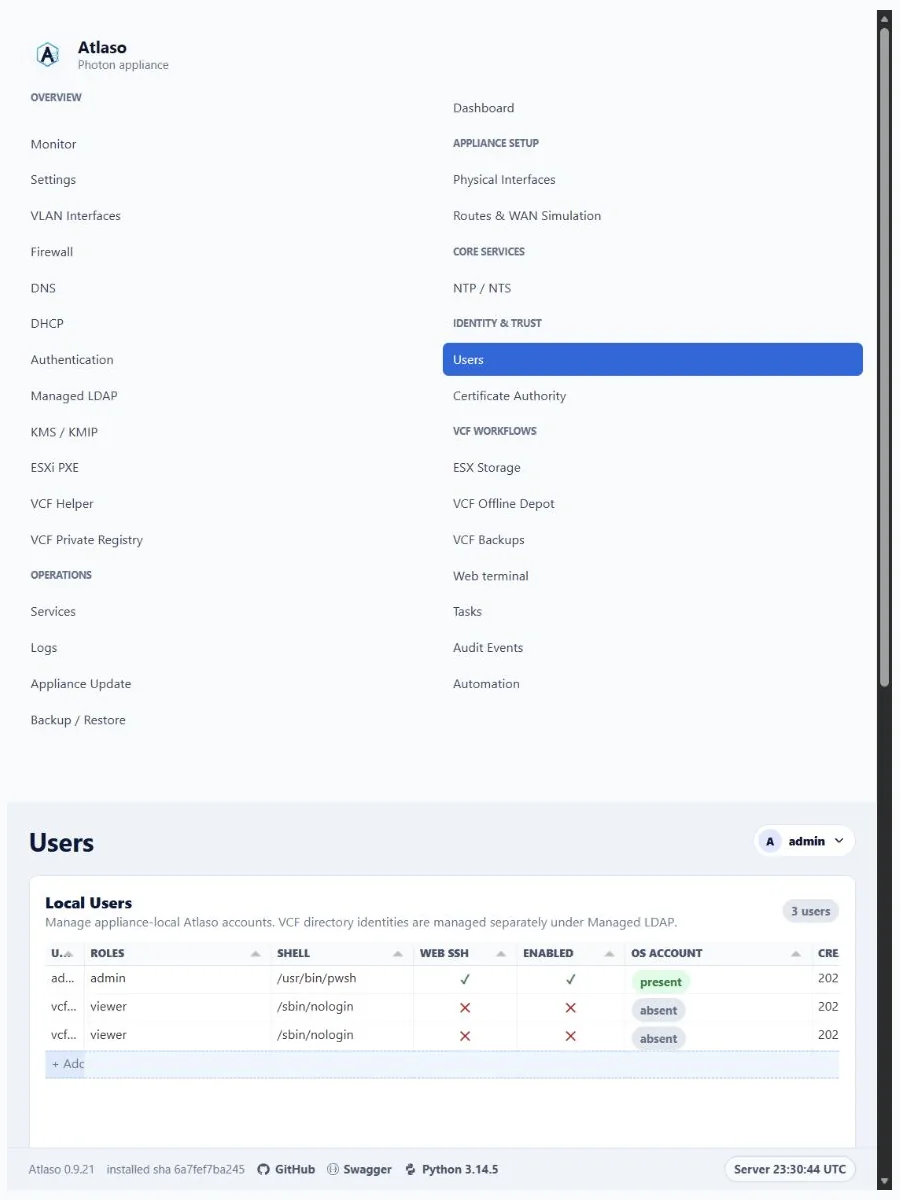
Figure: Users in the verified clean-appliance responsive state.