VCF Private Registry
Open VCF Private Registry to configure the appliance-hosted registry endpoint, storage, listener, and access boundaries.
Interface overview
This verified appliance view provides visual orientation before you begin.
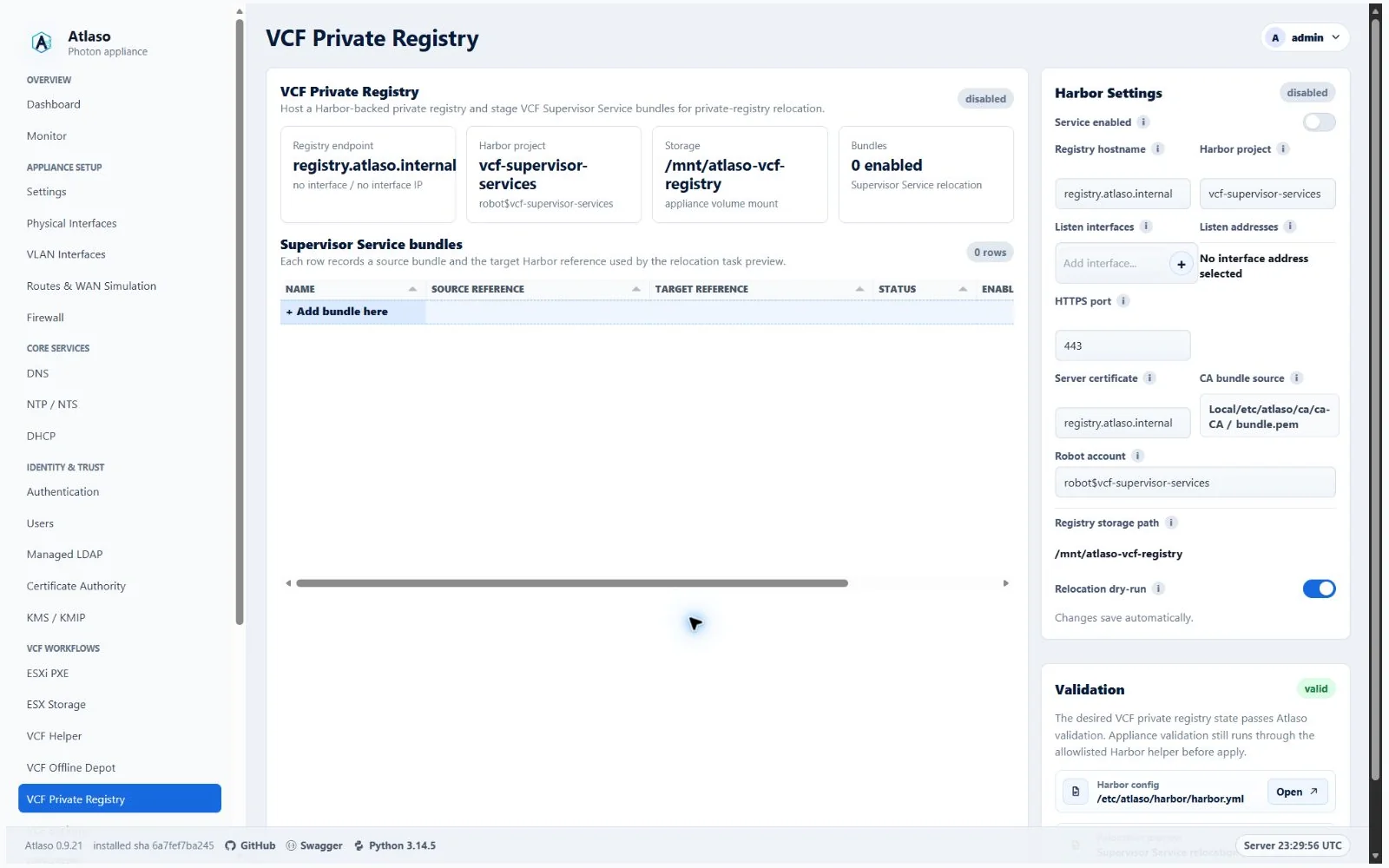
Figure: VCF Private Registry in the verified clean-appliance desktop state.
Configure the registry
- Confirm the registry storage mount and intended listener interface.
- Configure only the access needed by approved lab clients.
- Resolve validation errors and inspect the rendered service preview.
- Submit the VCF Private Registry unit through Appliance Apply.
Keep credentials, authenticated image references, and private certificate material out of documentation and task output.
Verify and roll back
After a successful task, confirm the endpoint presents the expected certificate and an approved client can perform the required registry operation. Restore the previous desired state and reapply if the listener or trust configuration is incorrect; do not edit appliance-owned service files directly.
Additional verified states
These captures show responsive layouts and useful operational states referenced by this page.
VCF Private Registry
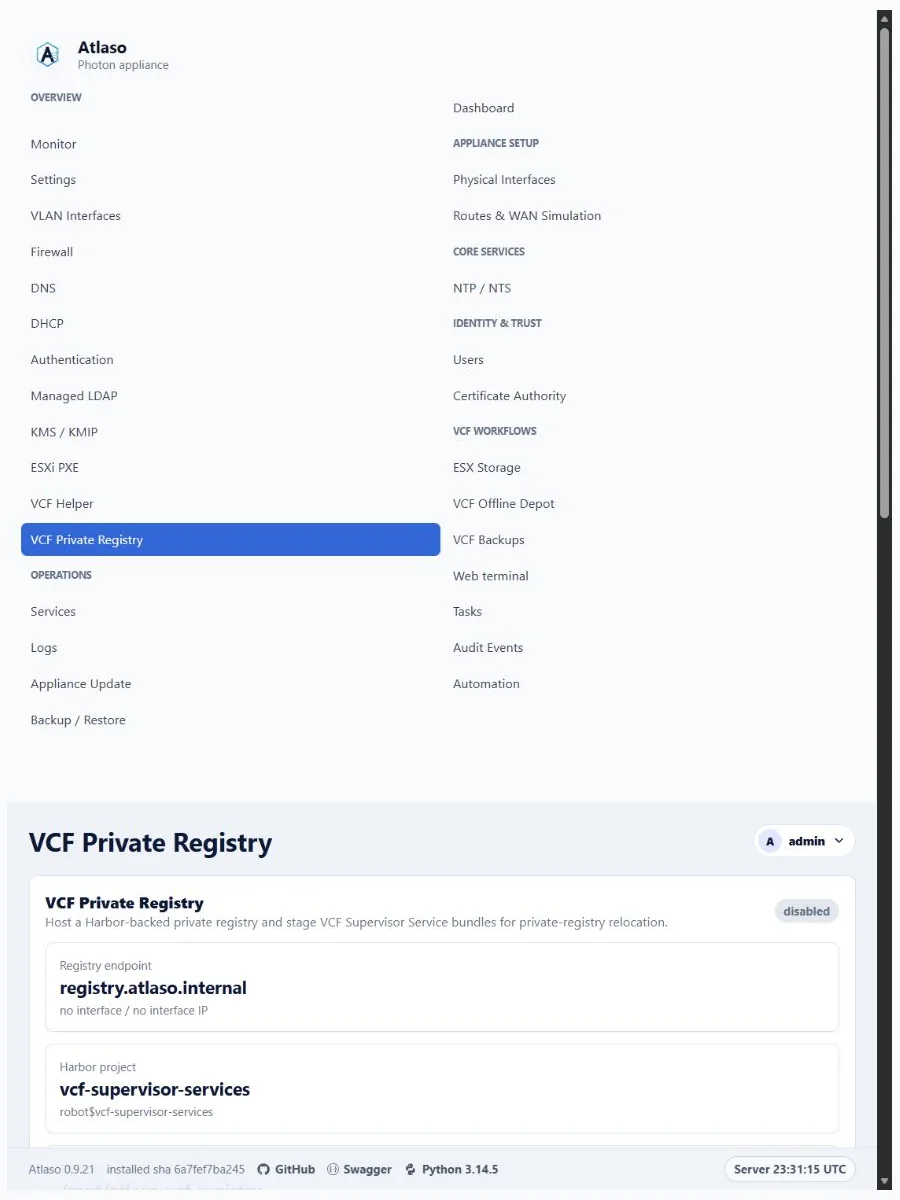
Figure: VCF Private Registry in the verified clean-appliance responsive state.