Network Objects
Open Network Objects under Appliance Setup to manage reusable Source Groups. A Source Group can match every source, or contain explicit IPv4 or IPv6 addresses, CIDRs, and stable references to other Source Groups. Firewall rules, managed-rule assignments, and NAT rules consume the same objects. The collection fills the primary workspace; large sets scroll inside the compact grid while its heading and validation state remain visible.
Interface overview
This verified appliance view provides visual orientation before you begin.
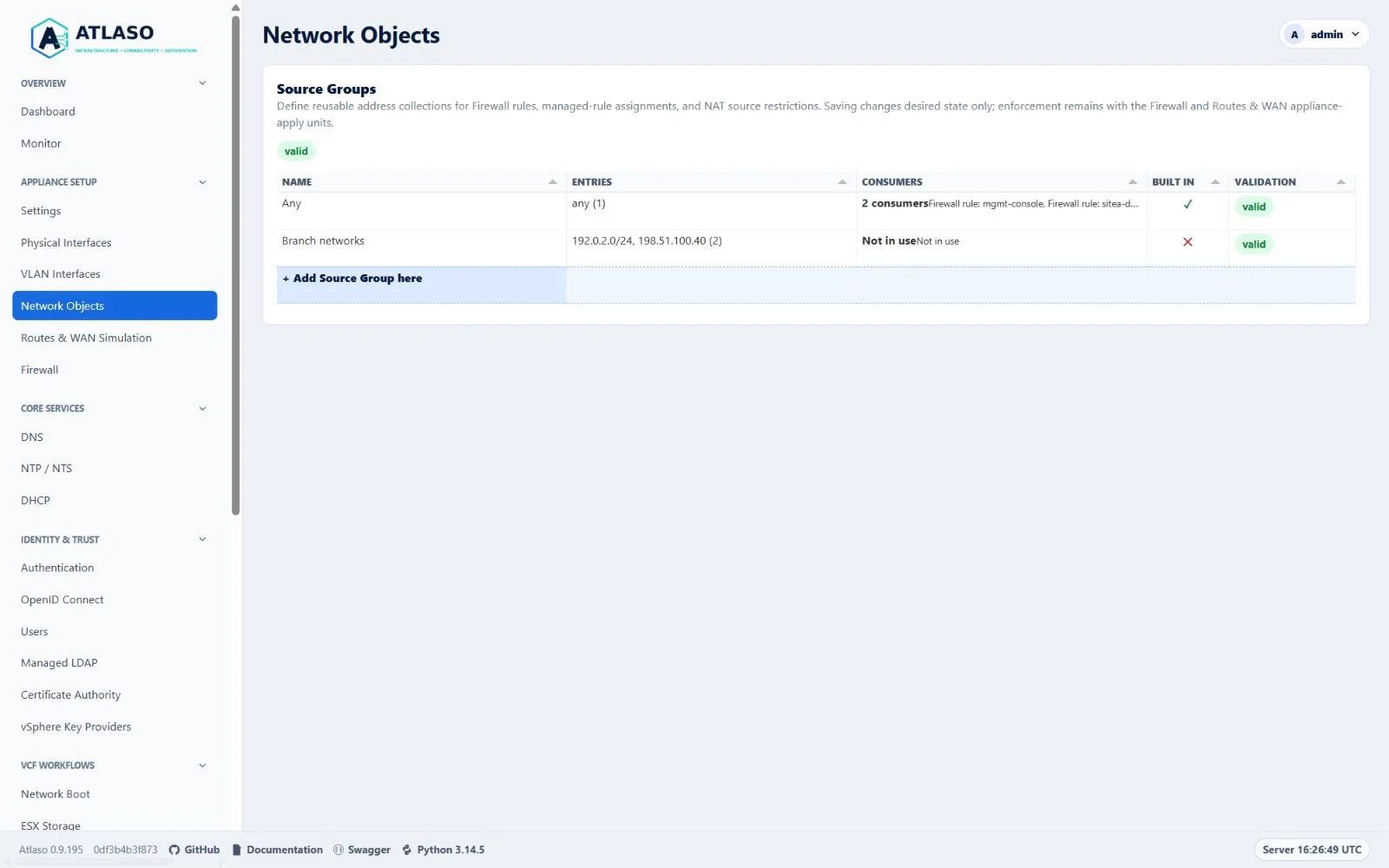
Figure: Network Objects in the verified clean-appliance desktop state.
Add or edit a Source Group
- Select + Add Source Group here, double-click an existing row, or choose Edit Source Group from its row menu.
- Enter a unique name and optional description.
- Leave Any source enabled to match every IPv4 and IPv6 source, or disable it to add explicit entry tags.
- Add one address, CIDR, or
group:<stable-id>reference at a time. Enter, comma, paste, or leaving the input creates tags; the + menu lists current nested Source Groups. - Resolve every Invalid tag before continuing. Needs attention identifies a non-blocking canonical normalization or duplicate; the review submits the first canonical duplicate only. Every state includes text as well as color, and Enter or F2 edits a focused tag.
- Review the canonical entries, current consumers, and validation state before saving.
- Return to the Firewall or NAT wizard when Network Objects was opened from Manage source groups.
The Any source switch is exclusive: while enabled, explicit tags are retained in the open wizard but disabled and
excluded from submission. Turning the switch off restores those unsaved tags. Existing API and settings-archive
payloads continue to represent this mode as entries: ["any"]. Without JavaScript, the labeled Entries textarea
continues to describe the established line-separated format, and server-side validation remains authoritative.
The built-in Any row always remains visible and read-only. Saved identifiers remain stable when an object is renamed, so nested references and rule assignments do not silently change meaning.
The return link preserves the current Firewall or NAT draft only in this browser tab. Atlaso reopens the originating wizard with fresh server-rendered Source Group choices and restores focus. If an object selected in the draft was removed, the wizard requires a current selection instead of silently widening the rule.
Review and remove an object
The Consumers column summarizes current use. Choose Review consumers to inspect every nested Source Group, operator Firewall rule, managed-rule assignment, and NAT rule that references the object.
Atlaso rejects removal with 409 Conflict if any consumer appears during the final server-side check. This protects
against another session adding a reference after the page was loaded. Remove or reassign every consumer first, then use
the shared confirmation dialog to remove the unreferenced object. Any cannot be removed.
Apply and archive behavior
Saving a Source Group changes desired state only. Firewall-rule and managed-assignment consumers remain enforced through
the Firewall Appliance Apply unit; NAT consumers are enforced through Traffic Publishing (nat). Atlaso keeps
the established firewall.managed_source_groups settings-archive shape, object identifiers, nested references, and
assignments, so current archives round-trip without migration.
The canonical collection route is /ui/management/network-objects/source-groups. Safe legacy GET and HEAD requests
to /ui/management/firewall/source-groups redirect only after normal management-interface and session authorization.
Legacy POST requests invoke the same mutation handler and return 303 See Other, preventing a browser from replaying
the mutation while following the canonical location.
Additional verified states
These captures show responsive layouts and useful operational states referenced by this page.
Network Objects
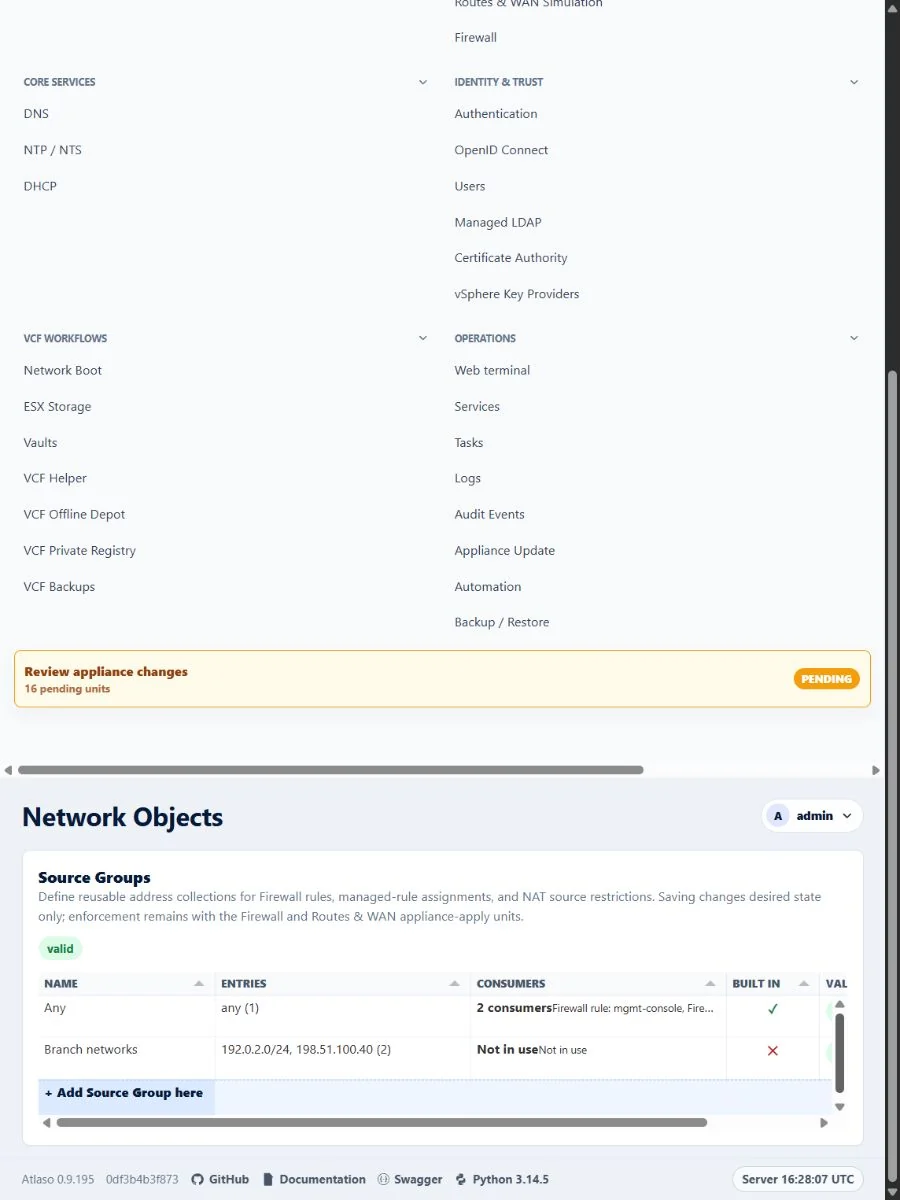
Figure: Network Objects in the verified clean-appliance responsive state.